
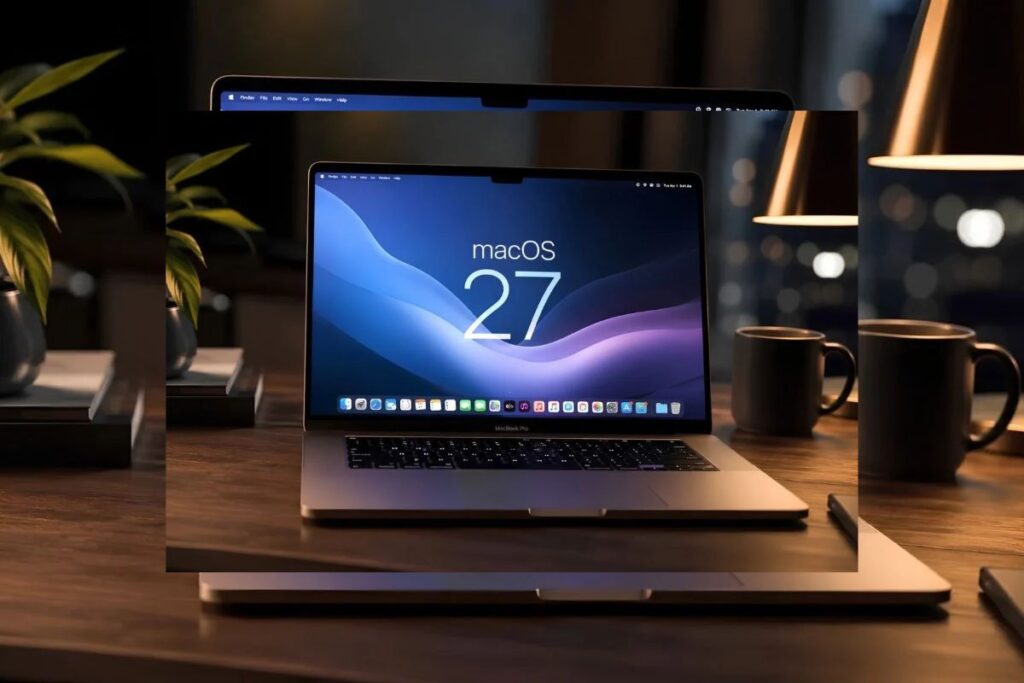
A fresh installation of macOS 27 can claim up to 30.16GB of a base-model 256GB Mac’s drive, according to one independent test, with Apple Intelligence models accounting for about 12GB of that. This leaves buyers with roughly 208GB of usable space, so professionals will likely need the $200 upgrade just to maintain previous workflows.
How much space does macOS 27 Apple Intelligence storage consume?
Booting up a brand-new, zero-app Mac running macOS 27 reveals that the operating system immediately occupies up to 30.16GB, according to testing by Zeera Wireless. Within that footprint sits a 12GB block dedicated entirely to Apple Intelligence, Apple’s suite of local and cloud-based machine learning features.
Drive makers, Apple included, advertise capacity in decimal gigabytes, so a 256GB drive measures about 238.4GB in the binary units many storage tools report. Measured that way, the full macOS 27 footprint, AI models included, takes up about 12.6 percent of the drive before a single third-party application is installed.
How has the macOS install size grown over five years?
Apple introduced 256GB as the baseline storage for the MacBook Air years ago. While that hardware threshold remains unchanged, the software required to run the machine has scaled aggressively.
Historical macOS install size data tracked by MacBook Journal and Zeera Wireless shows a steep expansion curve for fresh installations:
- macOS 12 (Monterey): 12–15GB
- macOS 14 (Sonoma): 13–15GB
- macOS 27: up to 30.16GB
The addition of the 12GB local AI models represents the largest single-year jump in macOS baseline footprint. The operating system is fundamentally outgrowing the hardware limits set by Apple’s entry-level pricing tier.
Can you delete Apple Intelligence using RemoveMacAI?
Mainstream users cannot practically delete these AI models to reclaim the 12GB of space. Recent coverage has focused heavily on “RemoveMacAI,” an open-source tool that forces the deletion of these files.
However, the utility requires users to disable System Integrity Protection, a built-in macOS security feature that restricts root-level access to core directories, and run custom Terminal scripts. That limits its viability to technical users comfortable bypassing system safeguards.
Apple’s public privacy whitepapers outline the engineering rationale for locking these files into the system. Apple says running these models on the device keeps more personal data off its servers and makes responses faster than a round trip to the cloud.
What is the real Mac storage upgrade cost?
The consequence of that privacy infrastructure falls directly on the consumer’s wallet. Across the Mac mini, MacBook Air, and iMac lines, Apple’s 2026 pricing matrix dictates a strict $200 fee to upgrade from 256GB to 512GB.
That flat upgrade rate values Apple’s solid-state storage at 78 cents per gigabyte. At that upgrade price, the roughly 12GB of AI models that cannot be removed through normal settings occupy about $9.36 worth of storage.
Buyers who previously managed to fit their workflow into a 256GB drive must now account for that missing capacity. For many, bridging the gap requires paying into the next storage tier.
Frequently Asked Questions
Does Apple Intelligence take up local Mac storage?
Yes. Apple Intelligence models take up about 12GB of local storage on macOS 27, bundled with the core operating system files.
How much usable space is left on a 256GB Mac with macOS 27?
Measured in binary units, a 256GB drive shows about 238.4GB. Subtracting the up-to-30.16GB macOS 27 footprint leaves roughly 208GB of usable space out of the box.
Is there an official way to uninstall Apple Intelligence?
Apple does not provide an official method to delete the 12GB Apple Intelligence models. Third-party tools exist, but they require disabling core Mac security protections.
Correction, 14 October 2026: An earlier version of this article misidentified macOS Monterey as macOS 22 and macOS Sonoma as macOS 24. They are macOS 12 and macOS 14. We have also clarified that the 30.16GB figure is an upper estimate from a single independent test, corrected the explanation of decimal and binary storage units, and attributed Apple’s privacy and speed claims to Apple.

Praseetha K
Praseetha K is the Managing Editor of Clarity Times. She edits, verifies and publishes the newsroom's articles, and also writes analysis on policy, law, business and technology. Articles she writes are edited by the Editor-in-Chief before publication.